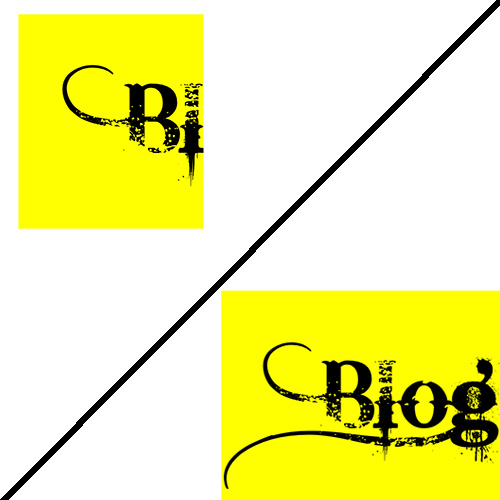
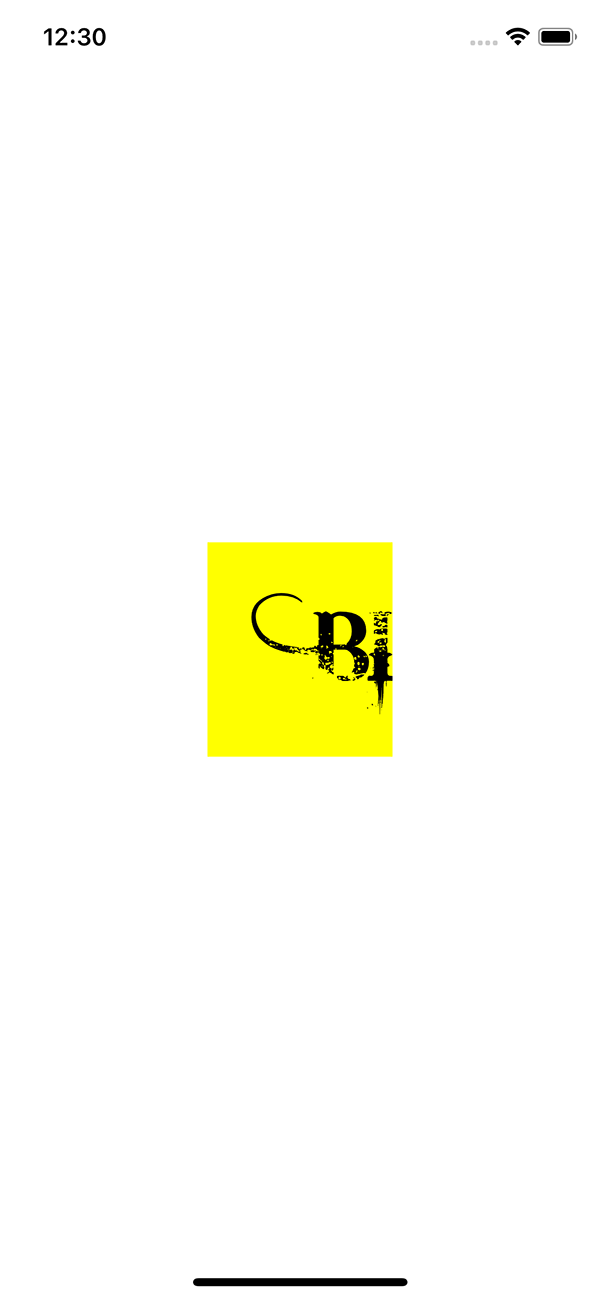
Has it ever occurred to you that a custom font does not look as expected in your app? like some parts of it are cut off? Look at this example, it supposed to be “Blog” but all you see is “Bl”:
Or this one in Farsi (and Arabic) which expected to be “کریم” but the last two characters are cut off completely:
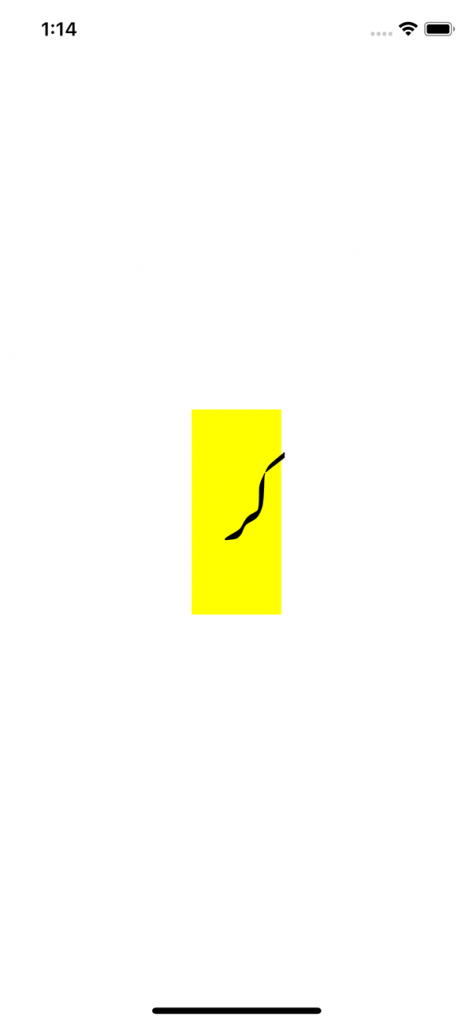
The code to create it is pretty simple. I have used a third party library, FontBlaster, to load custom fonts which is available on github.
label = UILabel(frame: CGRect.zero)
let font = UIFont(name: "BleedingCowboys", size: 60)! // We are in debug mode, right?
label.backgroundColor = UIColor.yellow
label.frame.size = CGSize.zero
label.text = "Blog"
let size = label.sizeThatFits(CGSize.init(
width: CGFloat.greatestFiniteMagnitude,
height: CGFloat.greatestFiniteMagnitude))
label.frame.size = size
label.center = self.view.center
self.view.addSubview(label)
It seems sizeThatFits(:) cannot determine the size correctly for all fonts. To fix this, I found an extension to UIBezierPath which returns a CGPath for an attributed string, you can find it here. This is how you can the path:
let line = CAShapeLayer()
line.path = UIBezierPath(forMultilineAttributedString: mutabbleAttributedString, maxWidth: CGFloat.greatestFiniteMagnitude).cgPath
line.bounds = (line.path?.boundingBox)!
// We gonna need it later
let sizeFromPath = CGSize(width: (line.path?.boundingBoxOfPath.width)!, height: (line.path?.boundingBoxOfPath.height)!)
UIBezierPath(forMultilineAttributedString:, maxWidth:) comes from that extension I mentioned above. Now we can determine the actual size of the label frame, let’s see it in action:
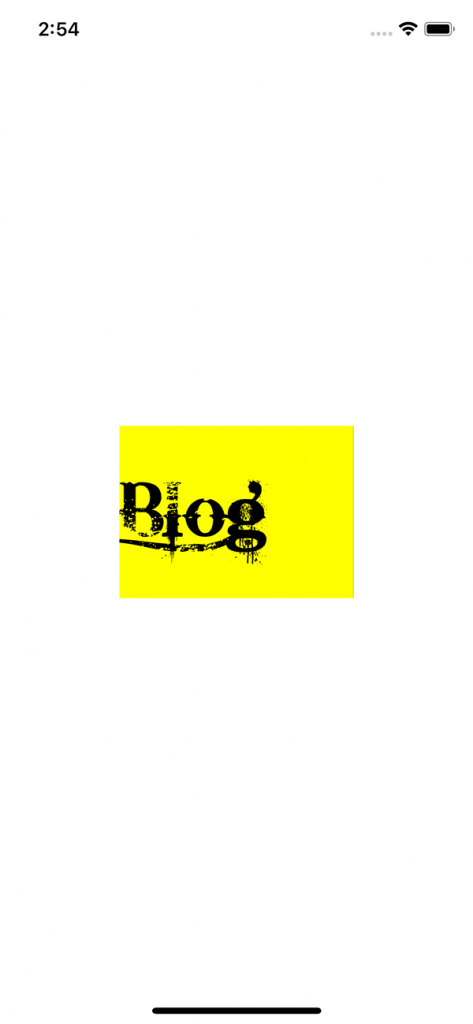
It’s still not exactly what we want, the size seems to be correct but the left inset is not. To solve this last problem, let’s create a custom UILabel class which can set custom inset while drawing the label:
import Foundation
import UIKit

class CustomLabel: UILabel {
    var textInsets = UIEdgeInsets.zero {
        didSet { invalidateIntrinsicContentSize() }
    }

    override func textRect(forBounds bounds: CGRect,
 limitedToNumberOfLines numberOfLines: Int) -> CGRect {
        let insetRect = bounds.inset(by: textInsets)
        let textRect = super.textRect(forBounds: insetRect, limitedToNumberOfLines: numberOfLines)
        let invertedInsets = UIEdgeInsets(top: -textInsets.top,
                                          left: -textInsets.left,
                                          bottom: -textInsets.bottom,
                                          right: -textInsets.right)
        return textRect.inset(by: invertedInsets)
    }

    override func drawText(in rect: CGRect) {
        super.drawText(in: rect.inset(by: textInsets))
}
How many points we should add to left inset? the difference between the actual width and width from sizeThatFits.First we need to replace the line in which we declared the label. Instead of the UILabel we need to use CustomLabel. Then:
label.textInsets = UIEdgeInsets(top: 0, left: sizeFromPath.width - size.width, bottom: 0, right: 0)
Let’s see the final result:
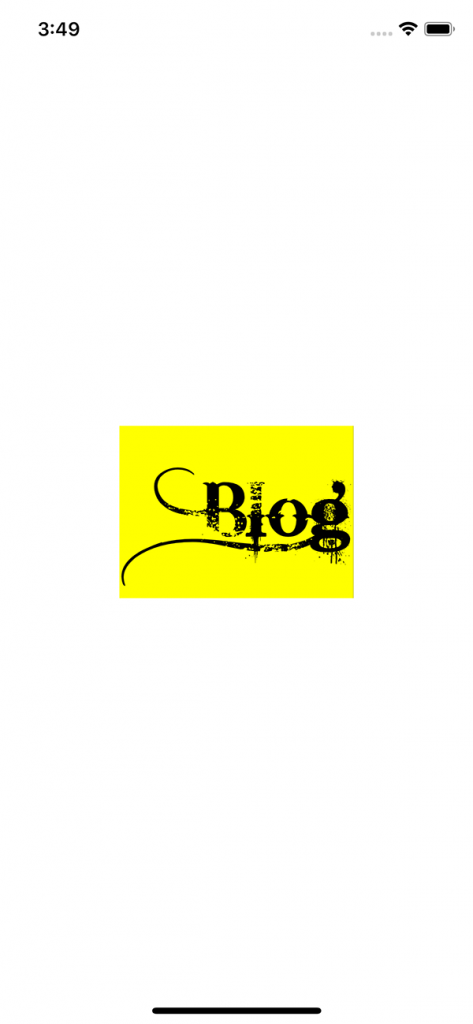
Nice! yeah? Thing is you might not need the inset for all troublesome fonts, check it yourself
2 Comments
junaid
at 4 years agosource code pleases
admin
at 4 years agoThe gists are available on the post.